 ScoreAtlas
For pianists · on iPad
Sheet music that turns its own pages.
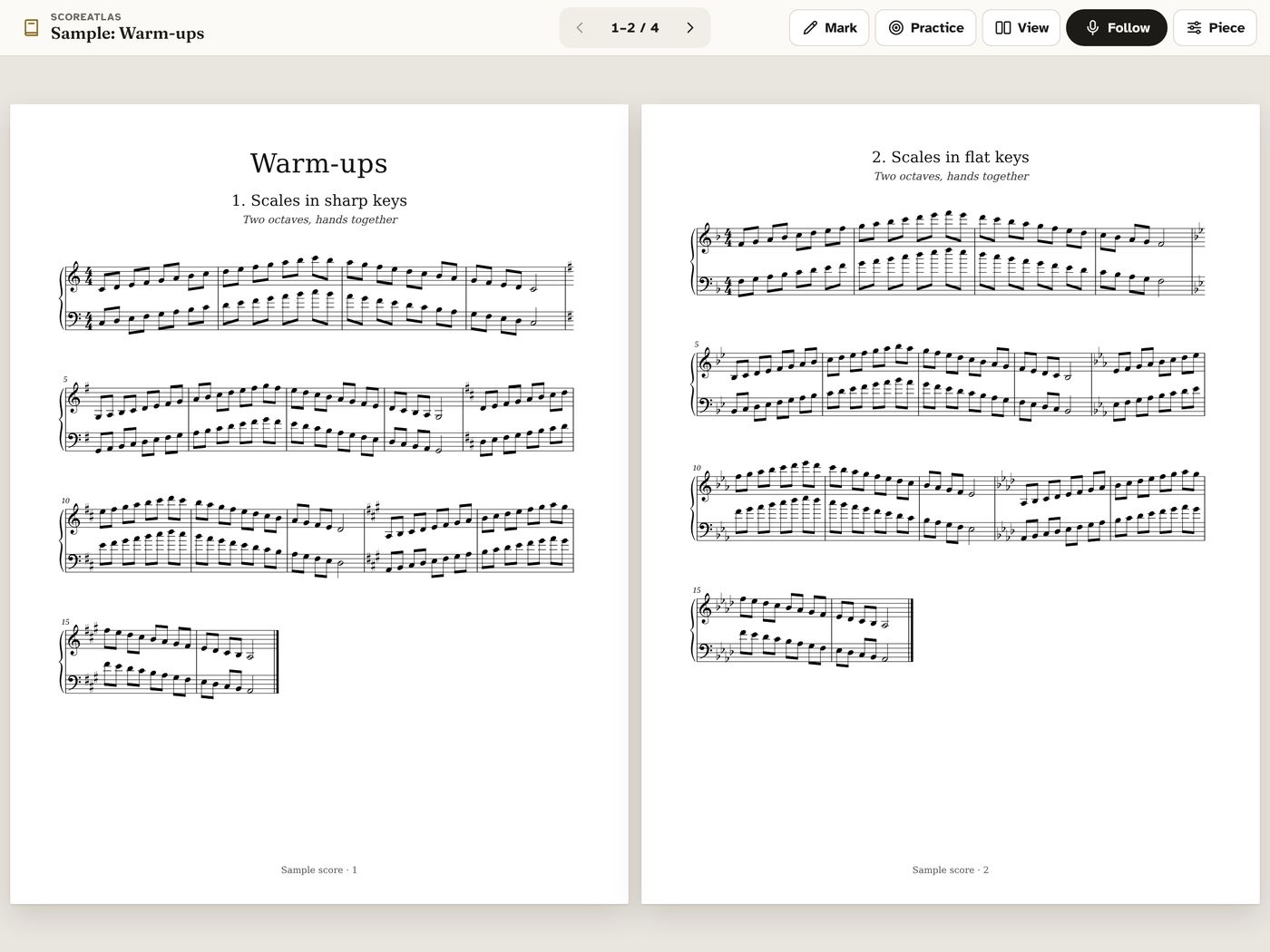
Put your iPad on the music stand and play. ScoreAtlas reads your music, listens as you play, and turns the page just before you need it.
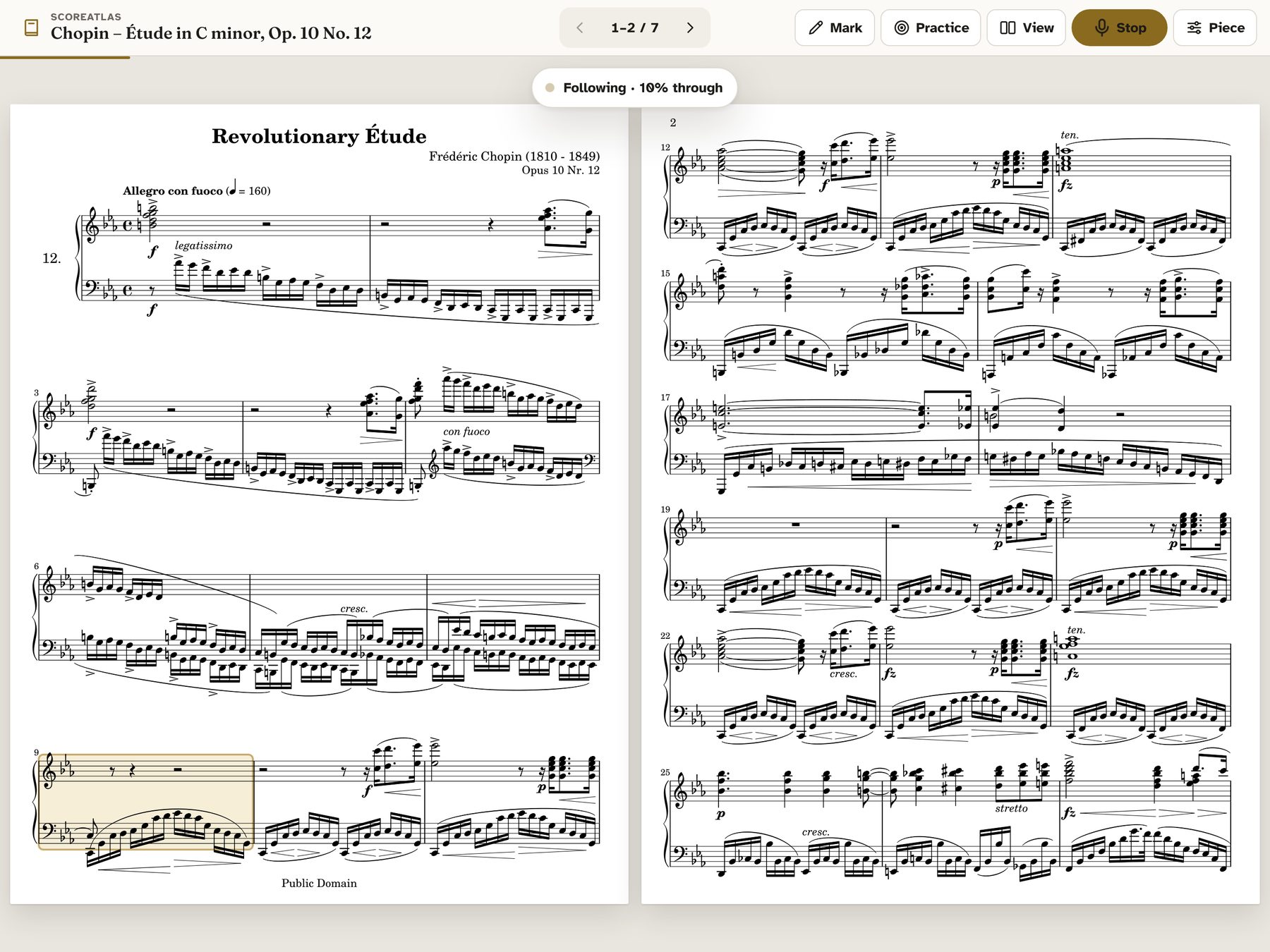
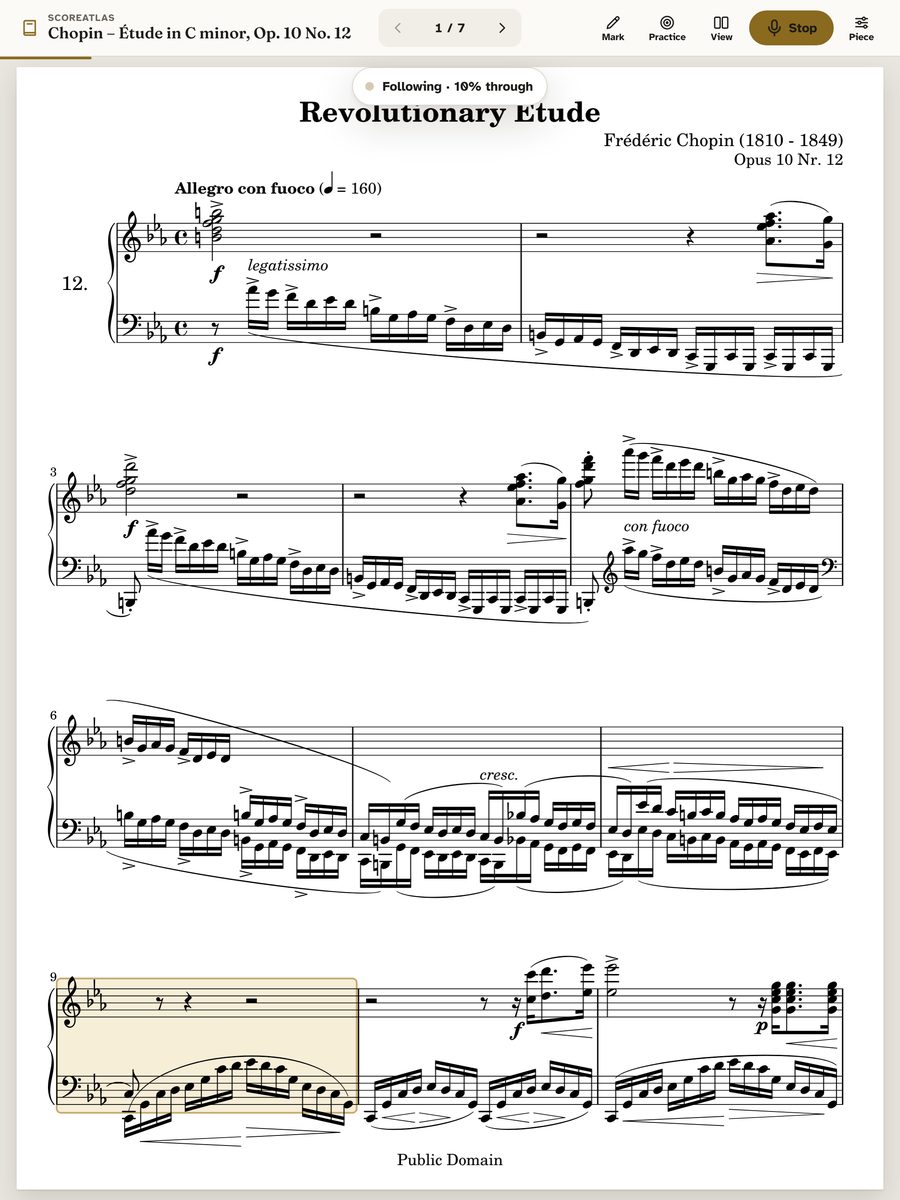
Chopin, Étude in C minor, Op. 10 No. 12: read by ScoreAtlas from a PDF, and followed bar by bar.
- Reads scans and PDFs
- Follows the way you practice
- Turns a little early
- Stays on your iPad
How it works
From a PDF to page turns, in a minute or two.
Use the music you already have. ScoreAtlas finds every note and bar for you, so there's nothing to set up and nothing to teach.
Add your PDF
From Files, AirDrop, Mail or iCloud Drive. Scans and phone photos of music work. Every piece is kept in your library.
ScoreAtlas reads it
The notes, the bars, the repeats and the D.S. Keep practicing meanwhile: the music is ready in a minute or two.
Play
Tap Follow. The bar you're playing glows gold and the pages turn by themselves, even when you stop, repeat or skip around.
Made for real practice
Not a metronome. A page turner that listens.
ScoreAtlas follows you, not a clock. Rubato, a breath, a wrong note, a passage played ten times over: it keeps its place.
i. Following
It knows where you are.
Speed up, slow down, pause. Start anywhere, go back a few bars, jump ahead: ScoreAtlas finds you again in about a second.
- Repeats, endings, D.C., D.S. and codas, in the order you play them
- Turns a little early, the way your eyes read ahead
- Your Bluetooth page-turn pedal works too
ii. Practice
See how your practice went.
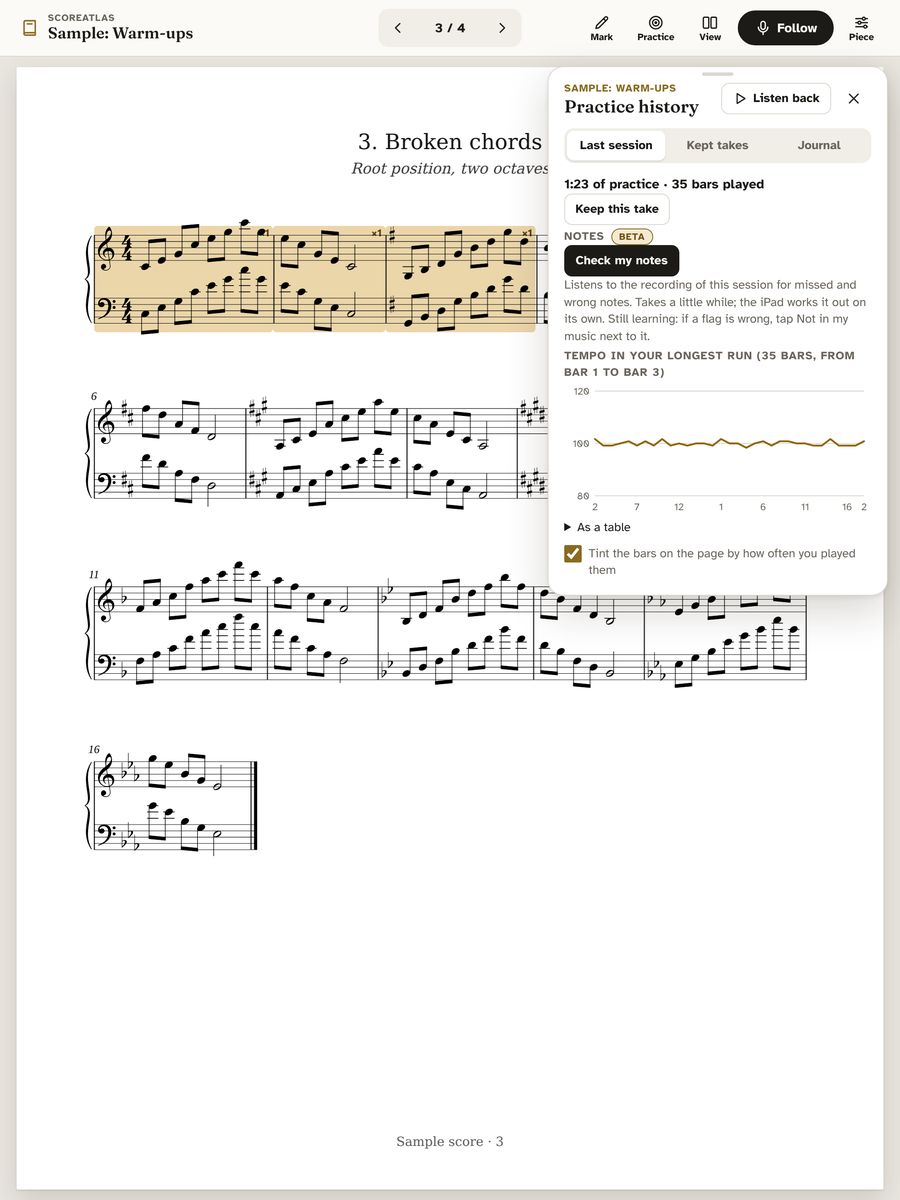
After each session: the bars you worked on, where you hesitated, and your tempo bar by bar.
- Trouble spots, looped with the metronome, a little faster each clean time
- Hands separately, and hear the music at any speed
- Listen back, and keep the good takes
iii. Pencil
Mark it like paper.
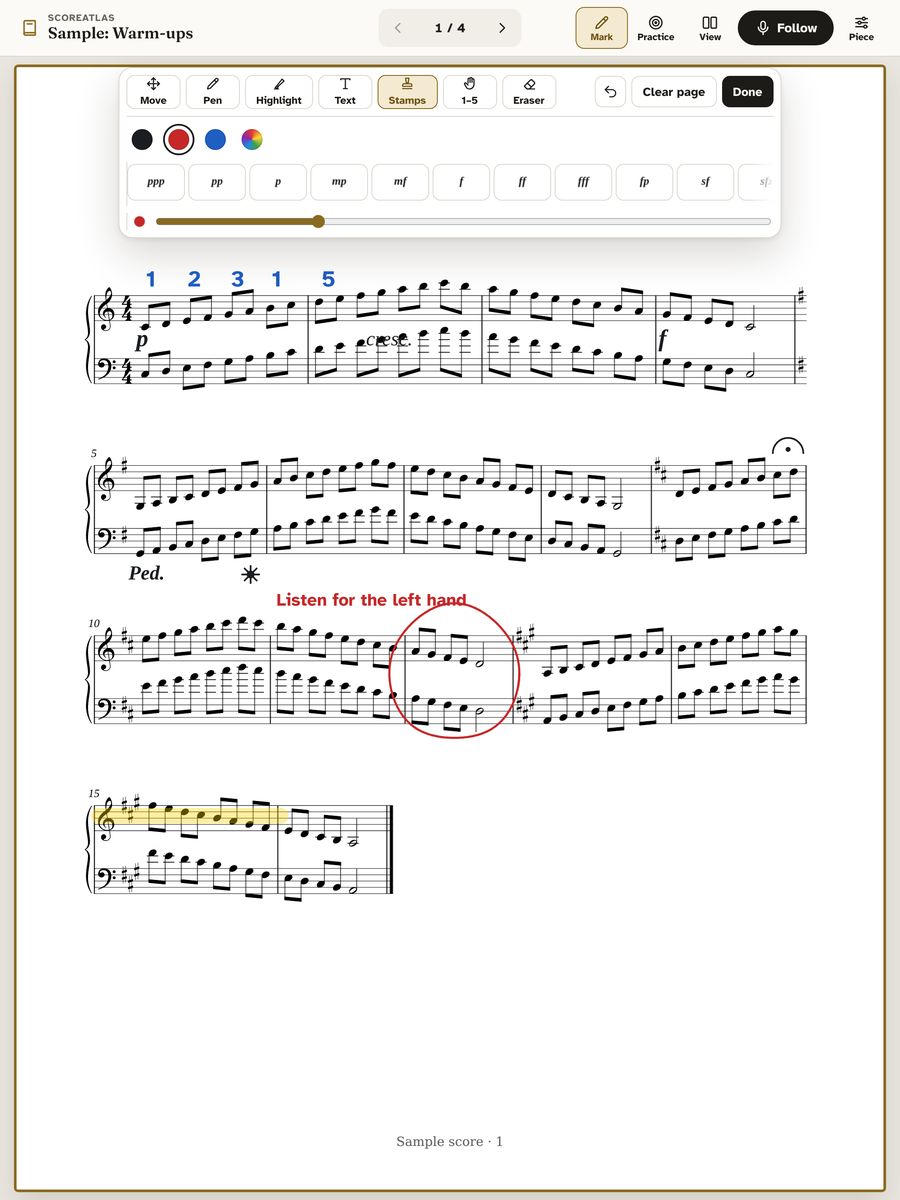
Fingerings, reminders and circles with Apple Pencil: pens in any color, highlighters, text notes and over forty stamps for dynamics, accents, ornaments and pedaling. Pinch to zoom in and write small; drag a marking to move it.
iv. On stage
Your whole music stand.
A library of every piece, setlists for a service or a recital, two pages side by side when the iPad is sideways, half-page turns, dark pages for a dim stage, and a lock so a stray touch can't turn the page.
For the moment your hands can't let go of the keys.ScoreAtlas · made by a pianist
Private by design
Your music stays yours.
No account, no ads, no tracking. Nothing to sign up for.